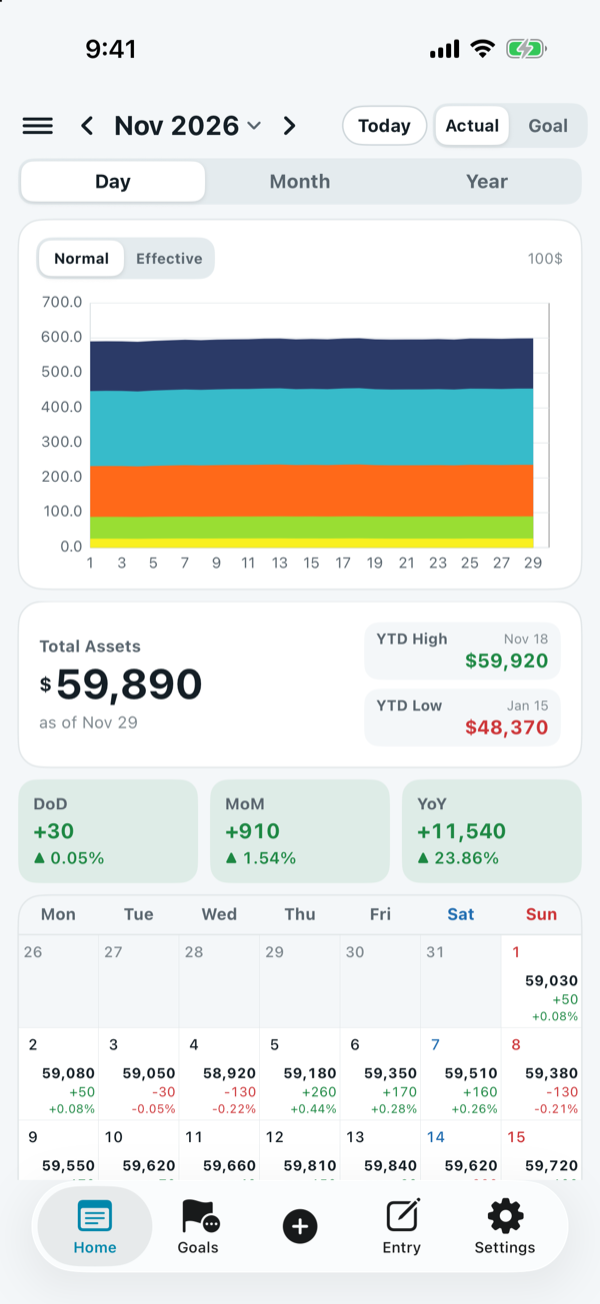
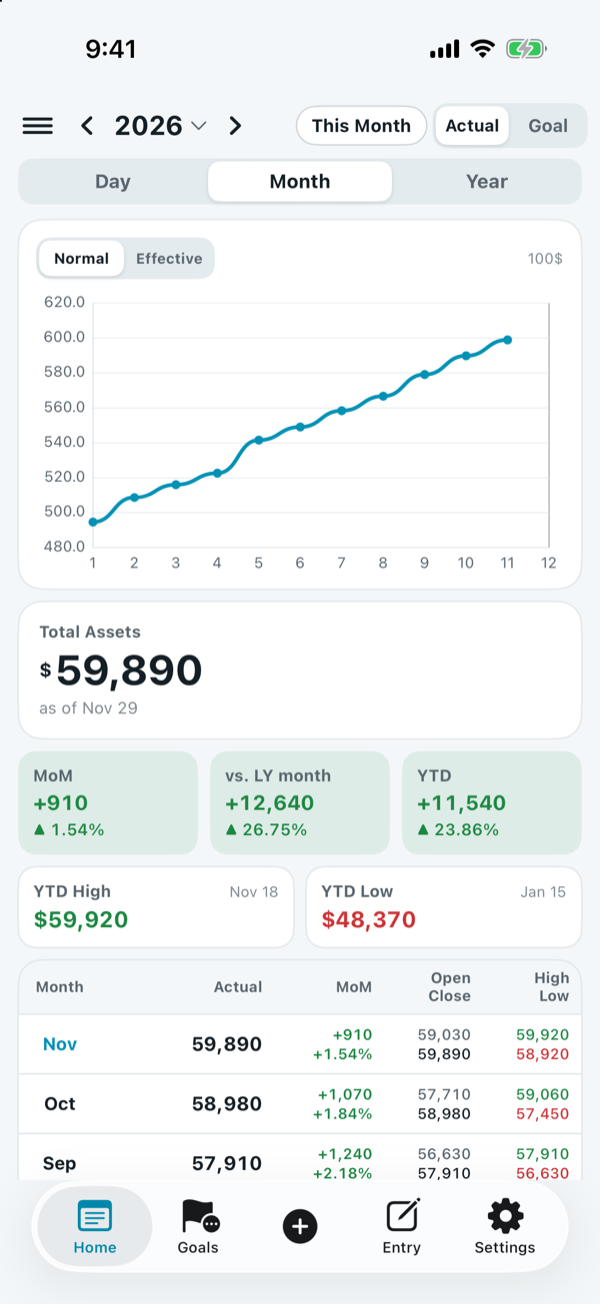
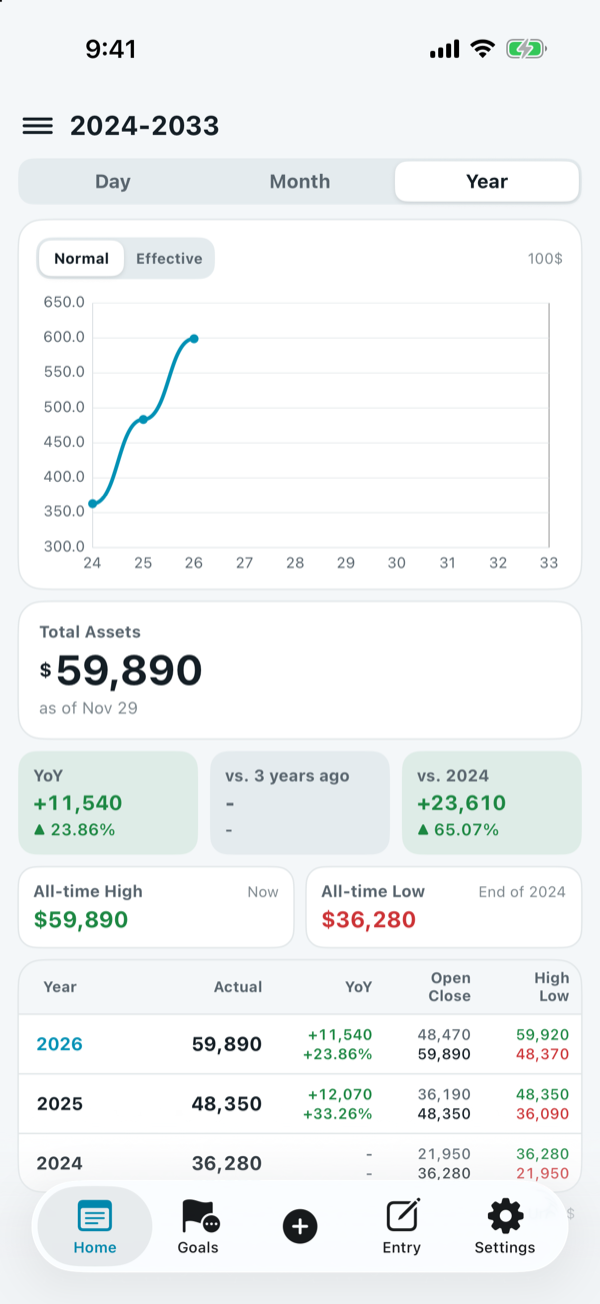
Set a final goal amount and a period, and the app works out monthly targets for reaching it with compound growth.
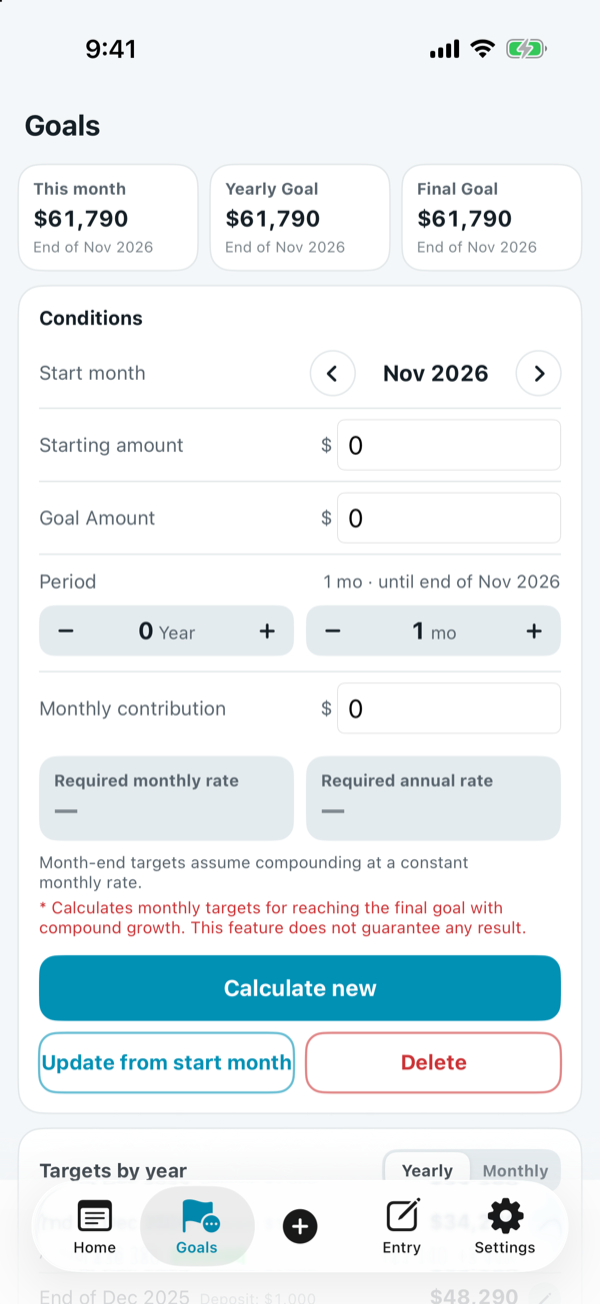
- Open the Goals tab and fill in Conditions:
- Start month: the month your goal begins.
- Starting amount: your assets at the start.
- Goal Amount: the amount you want to reach by the end.
- Period: set the years and months with + / −. The end month is shown at the top right.
- Paid Monthly contribution: how much you add each month, and whether at the start or end of the month.
- Tap Calculate new to see the required monthly and annual rates and a target for every month.
The top of the screen shows this month's, this year's and the final goal. The list below switches between Yearly and Monthly, compares each target with your actual end-of-month assets, and marks it Achieved or Missed.
The period can be up to 13 months in free mode and up to 100 years in Paid Paid Mode. Paid Mode also lets you edit individual months from the list and recalculate with new conditions using Update from start month. Tap Delete to remove the goal.
The figures are a calculation only and don't promise any result.
 Asset Diary Guide